

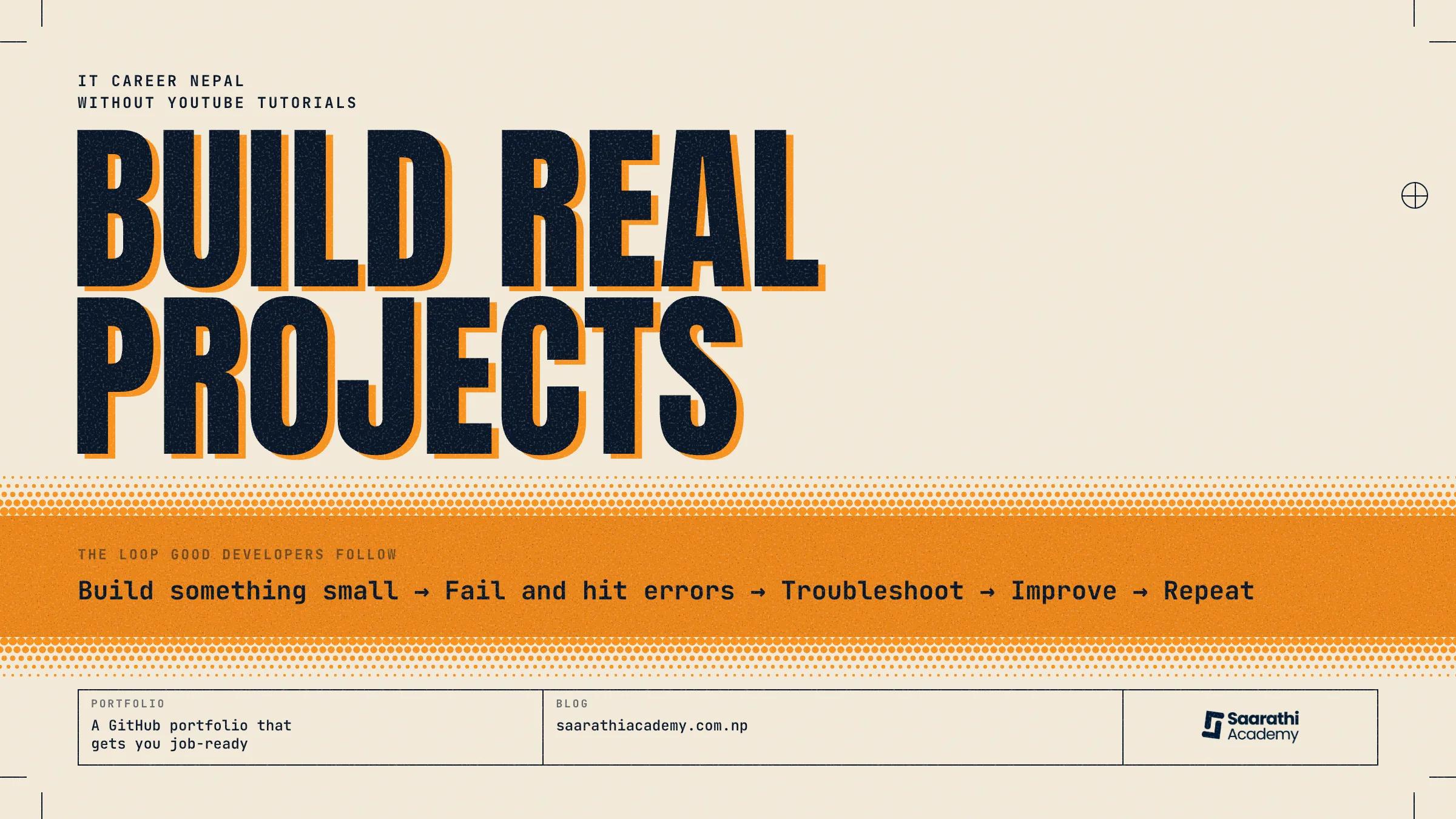
How to build real projects without copying YouTube tutorials
Maybe you've watched YouTube coding tutorials for months and still can't make anything by yourself. Lots of learners are in the same spot. They can copy every step from a video, then freeze in front of an empty code editor. New developers run into this more than almost any other problem.
Copying a tutorial is far easier than building alone, and that gap is where beginners get stuck. A tutorial tells you every move, so you never have to think a problem through, choose between options or recover from a mistake. Those are exactly the skills a working developer relies on.
People call this tutorial hell. You keep watching, you keep meeting new ideas, it feels like you're moving forward, and yet you can't produce anything without a video.
You can get out of it. You don't need to be an expert or have a computer science degree.
You need to start building things instead of copying them.
This guide covers what tutorial hell is, why piling up YouTube tutorials only takes you so far, and how to build real projects from nothing. It also has project ideas, advice on GitHub portfolios, and ways to grow more confident as a programmer.
What is tutorial hell?
Tutorial hell means watching coding tutorials one after another without ever making something yourself. You always feel busy, and the code on screen always runs, so it seems like progress. But someone else made every decision. You are copying their thinking, and your own never gets exercised.
freeCodeCamp has a good write-up on how people end up in tutorial hell.
Signs you're stuck in tutorial hell
You can only follow along while a lesson walks you through it.
Starting a project from an empty folder leaves you lost.
You keep jumping to a new course, hoping that one will finally click.
All the hours of watching don't add up to anything you can show.
Why it happens to almost every beginner
Tutorials are made to feel smooth. Nobody on screen makes a mistake or a bad choice, and nothing breaks. That comfort is what traps you. Real coding is messy. When your first bug shows up and no video can rescue you, it feels like too much. So most beginners drop the project, open another tutorial, and the cycle starts again.
Why copying YouTube tutorials isn't enough
Tutorials explain concepts well, but they seldom show you how a developer thinks. They fall short in a few ways:
You learn syntax and features, but you don't practise solving problems.
Real development is full of choices, bugs and mistakes you learn from.
Employers want projects you built and understand, and they can tell when code was copied line by line.
A video teaches you to build the one app it shows. Problem-solving lets you build a hundred apps that nobody ever made a tutorial about.
What real software projects actually teach you
As soon as you build something yourself, you start learning what separates a hobbyist from someone ready for a developer job:
Splitting a big problem into small pieces you can manage.
Finding and fixing bugs when something breaks.
Writing clean, readable code that you and anyone else can follow later.
Using Git and GitHub to manage and share your work the way professionals do.
Gaining real confidence from doing the work instead of watching it.
No amount of binge-watching gives you these practical programming skills.
How to build your first project without following a tutorial
You don't need a big idea to begin. You need a small one and a clear way of working.
Step 1: Pick a small problem.
Choose something simple that solves a real problem in your own life, like tracking how much money you spend each day or keeping your class notes in order. Small projects lead to bigger ones.
Step 2: Plan before you code.
Before you write any code, list the main features and draw up a rough plan. Once you know what you're making, half the confusion is gone.
Step 3: Research instead of copying.
If you're stuck, don't look for a complete walkthrough. Search for the one piece you're missing in the official documentation, on Stack Overflow, with AI assistants or in other sources you trust. Solving one problem at a time this way is what developers do every working day.
Step 4: Build one feature at a time.
Get one feature working before you start the next. Each small win keeps you going and keeps your code tidy.
Step 5: Improve and refactor your code
When it works, go back and tidy it. Give unclear variables better names, cut repeated code and make it easier to read. Doing this every time is how beginners grow into professionals.
Best software projects for students to build
Short on ideas? These beginner ideas work well as software projects for students:
Student Management System
Expense Tracker
Weather App
Portfolio Website
To-Do List
Library Management System
Quiz Application
Chat Application
Inventory Management System
E-commerce Mini Project
Pick one, finish it, and then move up to a harder one.
Why every student should have a GitHub portfolio
GitHub is an online platform where developers keep, share and show off their code. Recruiters often check your GitHub portfolio first, because it shows what you can really do.
What GitHub is: an online home for your projects and code, with their full history.
Why recruiters look at it: it shows real work, which a resume can only claim.
How to organise repositories: give every project a clear name and a clear folder structure.
Writing a professional README: explain the project, the steps to run it, and what building it taught you.
Keeping projects up to date: repositories that keep changing show you're still learning.
Learn like a developer, not a tutorial follower
The biggest change is in how you think. Good developers don't expect code to work the first time. They work in a simple loop:
Build something small.
Run into errors and failures.
Work out what went wrong and why.
Make the solution better.
Do it again with the next challenge.
Each time round the loop, you get stronger and more able to learn on your own.
How Saarathi Academy helps students build real projects
Getting out of tutorial hell is much easier with the right guidance. At Saarathi Academy our classes are built around real projects, and watching videos plays a small part. As an IT institute in Nepal, we give students practical experience through hands-on work.
How we teach:
Projects from the very first week.
No more than 10 students in a class, so each person gets attention.
1:1 mentorship to help you get past problems and improve.
Assignments modelled on real situations from industry.
Regular code reviews with advice for you specifically.
A portfolio of projects on GitHub.
Career guidance to help you prepare for internships and jobs.
Practice in place of passive learning.
Many classrooms are teacher-led and lecture-heavy. We focus on practical programming skills learned through real-world project assignments. Our IT training in Nepal combines industry-focused content, personal mentorship and small classes so students gain confidence, build a strong portfolio and get ready to apply for jobs.
Conclusion
YouTube has plenty of tutorials, but they can't replace the experience of building actual projects with your own hands. The more you practise on problems you chose yourself, the faster your coding improves and the better you get at solving real-world problems.
At Saarathi Academy, an IT institute in Nepal, we teach through hands-on training and keep theory in its place, to help you get ready for work. We offer project-based training, mentorship and real assignments.
Start with one simple project, learn from what goes wrong, and do a little better each time. Each project moves you nearer to the developer you want to become.
Ready to stop watching and start building?
Come to Saarathi Academy to learn with real projects, 1:1 mentorship and hands-on training that prepares you for work.
Enroll today