
Backend Engineering Course in Nepal with AI, Node.js, Express, NestJS, REST APIs, PostgreSQL, Auth, Docker & Deployment
A 10-week backend engineering course in Kathmandu: JavaScript and TypeScript, Node.js with Express and NestJS, PostgreSQL, Prisma, MongoDB and Redis, database internals, auth and API security, queues and an AI feature, a full system design week, then Docker and CI/CD.
Upcoming Batch
Mangsir 28
12willing to join this batch
10 seats. We call you to confirm the class time.
Backend Engineering with AI at Saarathi Academy is a 10-week course in Old Baneshwor, Kathmandu, with online seats too. It is a short practical course, not a bachelor's or master's degree, and you can take it alongside college. It is for complete beginners who want a real backend engineering career and will do the foundations work. Each batch has 10 seats in the room and up to 5 online.
Festival Offer: 10% off every course, 20% off the online seat
Valid until Mangsir 11, 2083
Backend Engineering with AI course fee in Nepal
Both prices include VAT. Flexible options available. Fee, length and syllabus last changed Mangsir 6, 2083.
- Duration
- 10 weeks (~2.5 Months)
- Schedule
- 2 hrs a day, 5 days a week
- Outcome
- Junior Backend Developer
Why This Course?
Backend engineering training in Nepal matters because every app, website and digital service depends on a backend, the servers, APIs and databases that store data, check passwords, enforce rules and answer requests. The frontend is what a user sees; the backend is everything behind it.
Skills You'll Master


Curriculum
Week by week, what you learn and build
Week 1
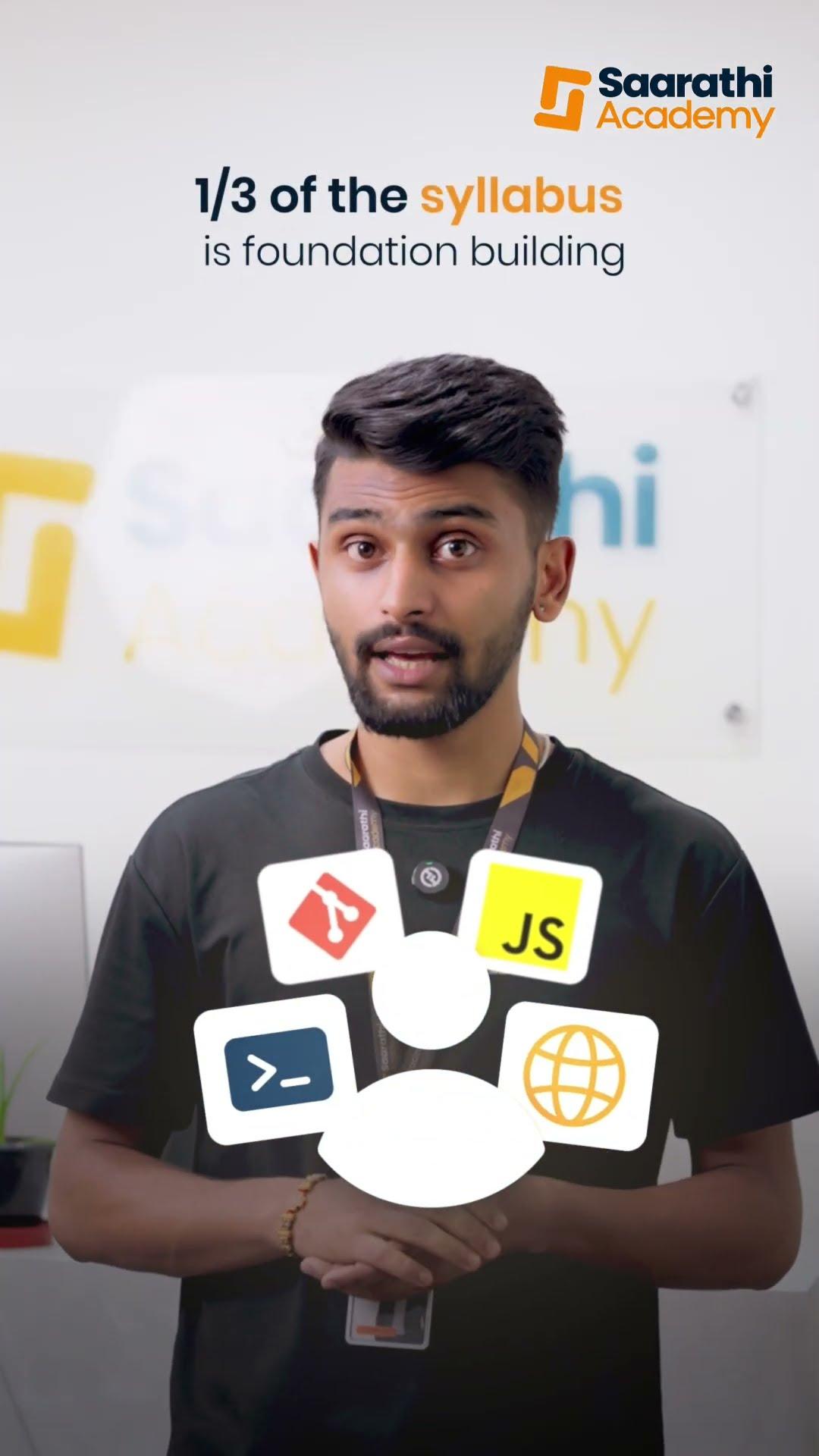
How Computers & the Web Work, the Linux Terminal & Git
- What backend engineering is: frontend vs backend vs database, the client-server model; how a computer runs a program (CPU, memory and disk, a process, a thread and a port); the course model named up front (request → route → validate → logic → database → response)
- One request end to end: DNS, TCP, TLS/HTTPS and the HTTP round trip; HTTP/2 and HTTP/3 at awareness
- HTTP in depth: methods, status codes, headers, cookies and caching headers, inspected with dev-tools and
curl - REST: resources as URLs, verbs as actions, statelessness; GraphQL and gRPC named
- The Linux terminal: files, paths, pipes, permissions, processes, ports, environment variables, SSH keys
- Git and GitHub from zero: commit, branch, pull request, merge conflicts and code review
- Your machine set up once: VS Code, Node.js (24 or 26 LTS), Git, GitHub, Docker Desktop as homework, plus the Cursor/Copilot rules: ask the AI why, and read every line before you accept it
Week 2
JavaScript & TypeScript, the Core
- Values, variables (
let/const) and types in.tsfiles from the first line, with type inference; template literals, operators and truthiness - Control flow (
if/else,switch, loops withfor,whileandfor...of) and tracing with a trace table and the VS Code debugger - Functions, scope and the call stack: parameters, return values, arrow functions, reading a stack trace and the classic beginner errors, off-by-one among them
- Arrays with
mapandfilter(reduceread), objects, destructuring and spread, shared references,MapandSet, and JSON, the format every API speaks - TypeScript essentials: type annotations,
interfacevstype, optional fields, unions and narrowing - Working with AI on code: a clear task, asking why first, checking the answer by running and tracing it, and reviewing AI-written code line by line
- Values, variables (
Week 3
Node.js, Async Code & Your First Server
- ES modules, npm,
package.json, the lockfile and.env - Closures, callbacks, Promises (
.then()/.catch()read) andasync/await:try/catch,Errorobjects,Promise.allvsallSettled, unhandled rejections, why silent failures kill backends - Classes,
thisand interfaces, with custom error classes - Node.js as a runtime: stack and queue as pictures, the event loop (timers,
setImmediate, microtasks), the thread pool and what blocks it - Calling an outside API with
fetch: the status code, checking the shape of the answer, a timeout, and reading generics such asPromise<T> - Your first HTTP server in TypeScript with Node's built-in
httpmodule, before any framework; file I/O withfs/promises, and streams named
- ES modules, npm,
Week 4
Express, REST API Design & Your First Deploy
- Express (v5) in TypeScript: the app object,
Router, route params, query strings - The middleware pipeline and layered architecture: routes, controllers, services and repositories (in-memory first), a generic
Repository<T>orApiResponse<T>, and utility types such asRecordandReturnType - Validation with Zod,
unknownvsany, discriminated unions,strictmode intsconfigchecked withtsc, central error handling and one consistent error format - API design: naming, status codes, versioning, filtering and sorting, cursor vs offset pagination; ETags at awareness
- Twelve-factor config, structured logging with pino, request IDs, a Bruno collection kept in your repo
- Building routes with AI, and the review checklist (input validated, auth and ownership checked, no hidden N+1, errors handled, no leaked secret), and every build sent in as a pull request
- Your first deploy: the API online under your own login and subdomain on the academy's batch server, over HTTPS
- Express (v5) in TypeScript: the app object,
Week 5
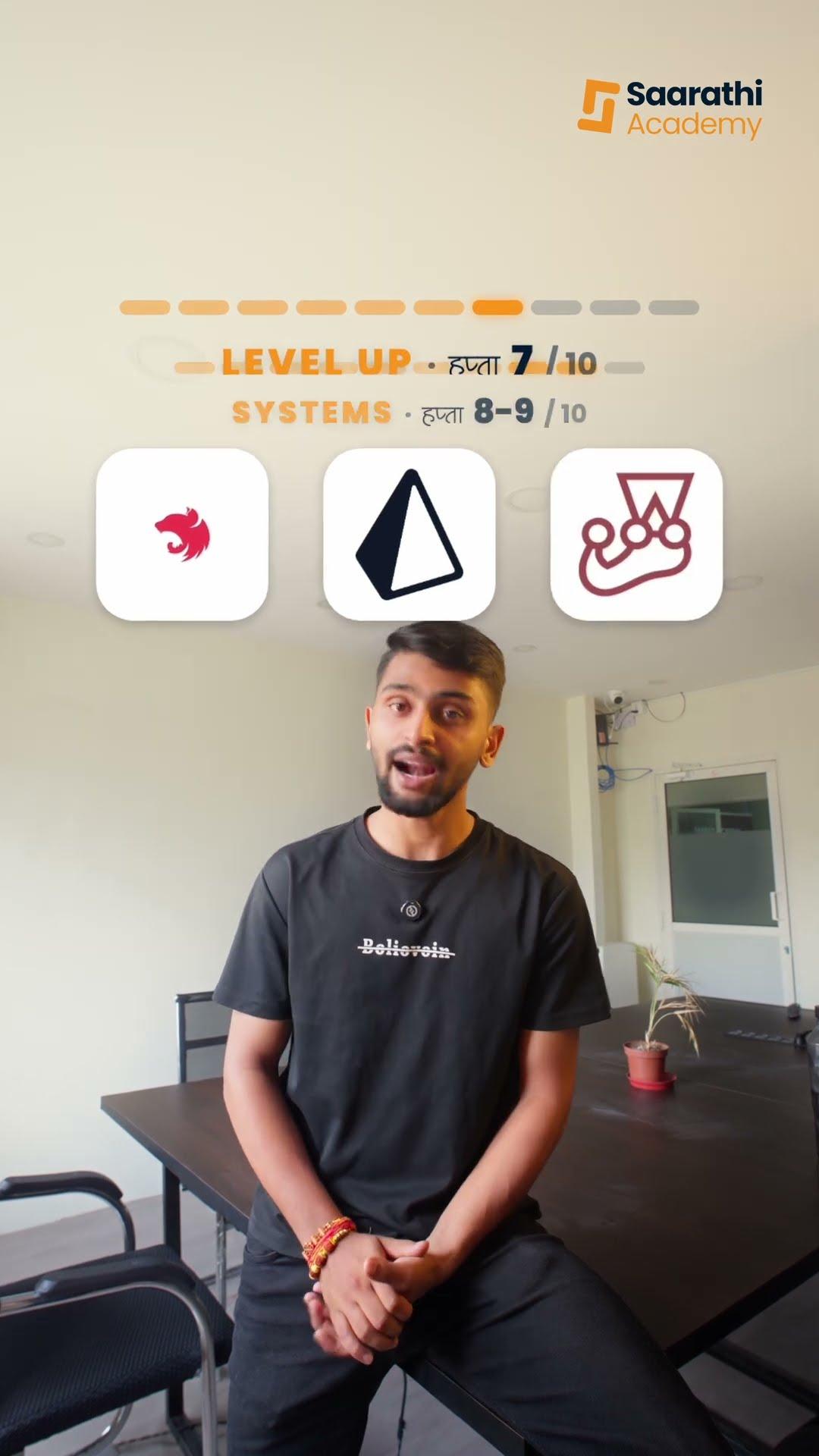
SQL, PostgreSQL, Data Modeling, Prisma & Indexes
- Why a database: SQL and NoSQL, and where a document database like MongoDB fits, chosen by how the data is read; MongoDB and MySQL at awareness
- PostgreSQL run in Docker, the
psqlclient and a GUI client - Core SQL: CRUD, JOINs, aggregates,
GROUP BY, subqueries and CTEs; SQL injection and parameterised queries - Data modeling: entity-relationship diagrams, normalisation to 3NF, when to denormalise, constraints
- Prisma 7: schema,
prisma.config.ts, the Postgres driver adapter,migrate devvsmigrate deploy, runningprisma generateyourself, the typed client and$queryRaw; TypeORM awareness - Swapping your in-memory repositories for Prisma in the Express app
- Indexes: a tree and Big-O as pictures, then B-tree, composite column order and partial indexes, with a first
EXPLAIN ANALYZEto prove an index is used; window functions at awareness
Week 6
NestJS Architecture & Login
- Why NestJS (v12): modules, controllers and providers, the Nest CLI, ES module packages
- Dependency injection and inversion of control, a custom provider with an injection token (
useClass), the "can't resolve dependencies" error fixed on purpose, SOLID and the repository, strategy, factory and decorator patterns; provider scopes at awareness - The request lifecycle: pipes with Zod schemas passed to
@Body()and@Query()and checked by Nest's built-in validation pipe (class-validator DTOs as the older way), guards, interceptors and exception filters - Config module and OpenAPI/Swagger docs; how a React or Next.js page calls your API, CORS and a typed client at awareness
- Authentication: password hashing with argon2/bcrypt, sessions vs JWT, refresh-token rotation and revocation, built as a real Nest guard
- The week's build: your Express and Prisma API rebuilt in NestJS, with register and login
Week 7
Query Plans, Transactions, Redis, Background Jobs & Docker
- Reading query plans with
EXPLAIN ANALYZEline by line, the N+1 trap, Prisma query logging and connection pools; PgBouncer at awareness - Transactions and ACID (all steps of a write happen or none do), Postgres's default isolation level, and locking: lost updates,
SELECT ... FOR UPDATE, optimistic locking and a clean409on a unique conflict; deadlocks at awareness - Redis: data structures, cache-aside, TTL, invalidation and cache stampedes, then rate limiting with a fixed-window counter; sessions in Redis and distributed locks at awareness
- Background and scheduled jobs with BullMQ and its Job Schedulers: retries with backoff and jitter, dead-letter queues, idempotent consumers and idempotency keys for safe retries; a work queue vs pub/sub, with Kafka and RabbitMQ named; the outbox at awareness
- Docker: Dockerfiles, multi-stage builds, non-root containers, Docker Compose with app, PostgreSQL and Redis, and graceful shutdown
- Reading query plans with
Week 8
Account Flows, Permissions, Security, Webhooks, Real-Time & AI in the Backend
- Account flows and email: email verification and forgot password with a single-use token, sent from a BullMQ job through a free tier or Mailpit
- Authorisation: RBAC and object-level checks as NestJS guards; OAuth2/OpenID Connect "login with Google" as a mentor demo
- OWASP API Security Top 10 (2023), BOLA first, Helmet, CORS, rate limiting, secrets, file uploads with presigned URLs to the Cloudflare R2 free tier or a local container
- Webhooks: checking the signature, answering fast and queuing the work, and handling the same event twice safely
- Real-time: WebSockets with NestJS gateways and Server-Sent Events; the Redis socket adapter at awareness
- AI in the backend: an LLM API call on a free tier such as Gemini or Groq (structured output, streaming, timeout, cost per request, a checked answer)
Week 9
AI Backends, Scaling & System Design
- Tool calling and a simple agent loop: the model asks your backend to run two or three of your own functions, with a step limit and the user's own permissions; MCP (Model Context Protocol) at awareness
- Embeddings and search by meaning (finding text that means the same thing, not just the same words), stored and searched in PostgreSQL with pgvector
- RAG (retrieval-augmented generation): answering from your own documents, split into chunks, retrieved for the user who owns them, and answered with sources
- Guardrails, evals and cost: prompt injection, keeping private data out of prompts, a small test set that scores answers, per-user limits and caching to control spend
- Scaling and designing real systems: stateless servers behind a load balancer, caches and a CDN, read replicas and replication lag; sharding at awareness; monolith vs microservices, Kubernetes and Terraform named; then a payments flow designed together in the interview format (retries that cannot charge twice, and your server calling eSewa or Khalti to verify a payment), including where an AI feature sits so the app keeps working when the model is down; circuit breakers (closed, open, half-open), the token bucket most production rate limiters use, and CAP at awareness; the design doc is written at home
Week 10
Production Deploy & Getting Hired
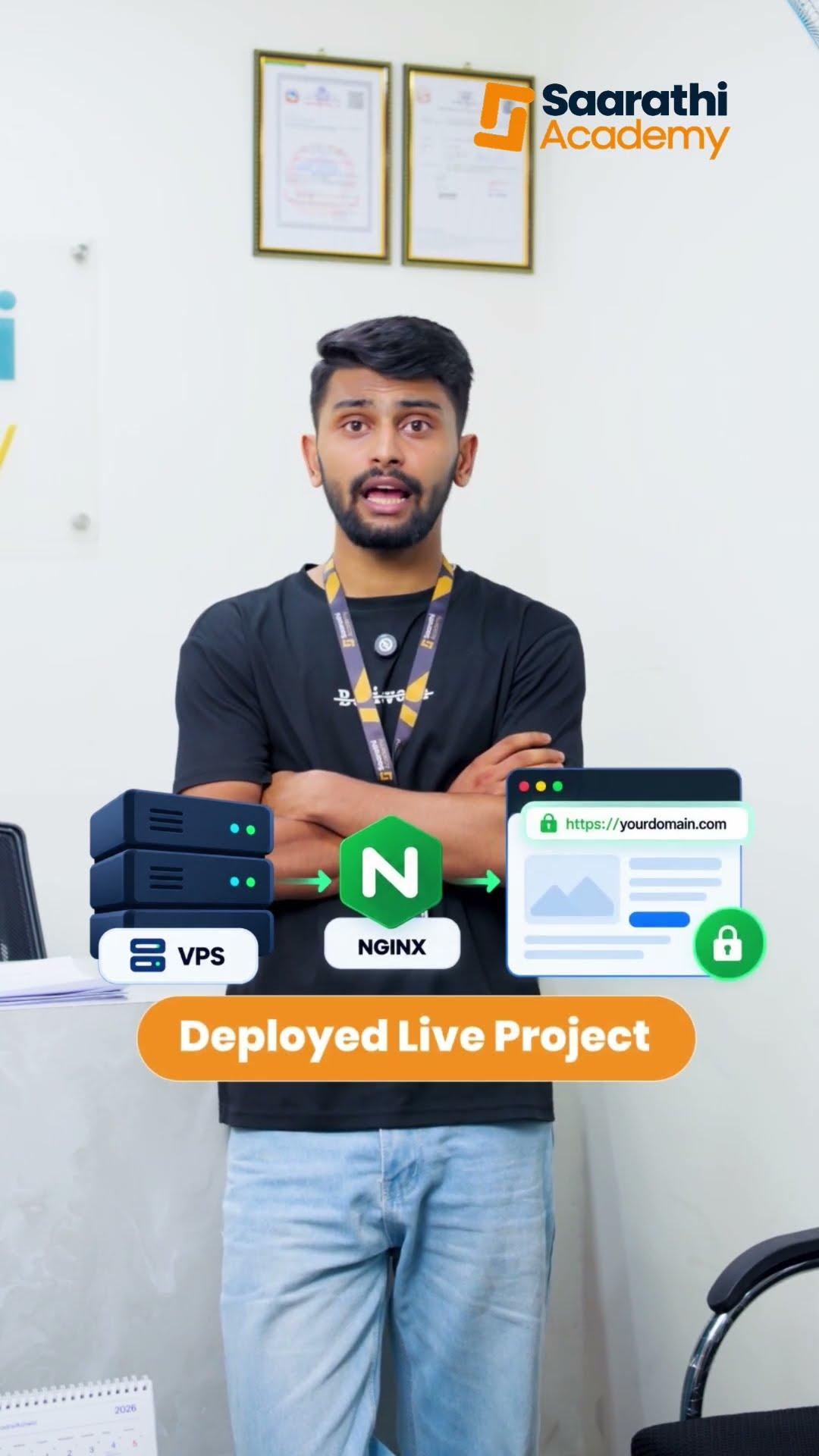
- Your Compose stack on the batch server: Nginx reverse proxy, Let's Encrypt HTTPS on your subdomain, and a mentor walkthrough of server hardening (SSH keys, firewall, updates); then the mentor maps your stack to AWS (EC2, S3, RDS, ElastiCache, SQS, CloudWatch)
- CI/CD with GitHub Actions: lint, type-check, build, image push, deploy on
main, rollback - Structured logs,
/healthand/ready, andpg_dumpbackups with a practised restore - Day 3 · CV, job applications and LinkedIn: an ATS-friendly backend CV built around your projects with real numbers, where backend jobs are posted (company career pages, merojob, KumariJob, JobAxle, LinkedIn) and remote roles, reading a job post, a target-company list and tracker, GitHub and an improved LinkedIn profile
- Day 4 · Mock interview: one mock interview for every student (API design, SQL, a short system-design question, a read-and-explain round with AI tools off, and a timed live-debugging drill, AI allowed), completed with written feedback, no pass or fail
- Day 5 · Project showcase and presentation: your projects presented in 6 minutes each with a live demo and a recorded backup, then questions and feedback
Where each phase takes you
- Beginner-friendly/ 01
Start from zero
No experience needed. We start at the fundamentals and tune the pace to you.
- Learn by making/ 02
Build by doing
Hands-on, trainer-reviewed work every phase. You build, not memorise slides.
4 phases100 hrs hands-on - Ship it/ 03
Junior Backend Developer
Leave with a portfolio and interview prep for your first role.
Your Learning Schedule
2 hrs live class/day + 2 hrs self-study at home (required).
Open 11 AM to 4 PM for enrolled students. Come study, pair-program, and build.
At least 2 hrs of practice at home, every class day.
Where it takes you, and how you prove it
Example directions, not a promise.
Two ways you prove it
Certification Exam
Online at home on your own laptop, camera on. 100 points, 30 questions, 2 hours. Pass with 70 percent overall and at least 50 percent in every area. Most of it is task and case work, not trivia.
Mentor-Approved Projects
Your mentor gives you your projects during the course, and they need to be approved. Keep them to show employers.
You get the certificate of completion when you pass the exam and your projects are approved. The Career Launchpad stays locked until then.
Who this course is for.
- Complete beginners who want a real backend engineering career and will do the foundations work
- Frontend or JavaScript learners moving to the server side to become full stack
- Junior developers who can build CRUD apps but cannot yet explain indexes, transactions, scaling or deployment
- Self-taught coders who can script but have never designed an API, a schema, an auth system or a deploy
Questions we
actually get asked.
Can't find yours? Send an inquiry or visit Old Baneshwor. We'll give you a straight answer before you commit.
Yes, with one honest caveat. Backend is where many of the steady product jobs are, and it is the easiest engineering track to hire into remotely, because the work is judged on APIs, data models and uptime. Kathmandu also hires a lot of PHP and Laravel, so Node.js roles are a smaller slice of the local market, and remote and international teams are where these skills pay best.
The current fee is NPR 33,050 for the full 10-week (2.5-month) program. Classes run Monday to Friday for 2 hours of live session per day, giving you 100 guided hours plus another 2 hours of expected daily self-study (building endpoints, debugging, reading docs). On Day 5 of every week, the last 1 hour of the live session is a built-in revision block plus architecture review.
No prior coding is required. JavaScript and TypeScript are taught from scratch in Week 2, Node.js and async code in Week 3, and the first three weeks have no framework at all. You do need computer fluency, comfort following setup guides, and a laptop. The Saarathi Gate Assessment runs before Day 1 to map your starting point; it is diagnostic, not pass-or-fail.
It prepares you for junior backend roles, with the system design and database depth mid-level interviews ask: database internals, isolation levels and locking, and a full week of system design. Senior topics such as Kubernetes, Terraform and consensus are covered as awareness. The job title still follows real work experience.
The pacing is built for exactly that. No week carries more than seven topics, JavaScript and TypeScript get two full weeks, and the database waits until you already have a working API to plug it into. Every week ends with a checkpoint saying what you should now be able to do, plus a set list of what to practise between classes. If something has not clicked, the Day-5 revision hour, the Sunday Open Classroom and a batch capped at ten students are there for it.
Node.js with TypeScript, Express then NestJS 12, two full weeks on PostgreSQL, Prisma and MongoDB, Redis, Docker and Compose, BullMQ, WebSockets, JWT and OAuth2. You also call an LLM API on a free tier. Then a week of system design, with AWS matched to what you already run and Kubernetes and Terraform only named, and a deploy with GitHub Actions, Nginx/HTTPS, health checks and backups on the academy's batch server, where you get your own login and subdomain.
Because a shallow tour of five frameworks teaches none of them. You share one backend mental model, request to route to validate to business logic to database to response, and go deep in Node.js with Express then NestJS. The time saved buys a week on the language and another on Node.js and async code, a full week on the database with its hard parts in Week 7, a full week of AI backends and system design, and a real deploy, the things that actually separate a strong engineer from a tutorial-follower.
It depends on the company size. Large product companies run an online coding assessment, then technical and design rounds. Mid-sized companies, most of the market, often start with a technical test, written on site at some companies, then interview you. Startups run an informal chat with the founder or lead, then a take-home task. Where there is a written test, it is usually basic: a few lines on strings and arrays, SQL joins and normalisation. We do not drill puzzles. You spend ten weeks reading, tracing and explaining code, which is what these tests check, and SQL is covered in Weeks 5 and 7. Some interviews allow AI tools and some ban them, so every student does a mock interview on Day 4 of Week 10 with a short system-design question, a round with AI tools off and a debugging drill with AI allowed.
Your mentor gives you 2 projects during the course, and they need to be approved before you get your certificate. You use each week's skills on them, and before the course ends you deploy your work live with Docker, CI/CD and a public HTTPS URL.
Typical entry paths include Junior Backend Developer, Node.js Developer and backend intern roles, at local product companies, agencies and startups, and on remote teams with international companies. We do not promise jobs; we build your portfolio, run mock interviews, polish your CV, GitHub and LinkedIn, and refer you into our hiring network.
Yes. If you need it, you can sit in on one class for free before you pay. Message or call us to pick a day.
A mentor reviews your projects before sign-off, you run design and code reviews with classmates, and you get written feedback on your mock interview. A batch has 10 seats in the room and up to 5 online.





Take one of the 10 seats.
Reserve your seat. Take the Saarathi Gate before day one. Start with a plan set to your level and pace.
Not quite the fit?
Try a nearby course.
6 weeks
Full Stack Development with Vibe Coding
Full Stack Builder (Web & Mobile)
View course12 weeks
Data Science & Machine Learning
Job-ready Data Analyst / Power BI Analyst (with the foundations to grow into a Junior Data Scientist role)
View course10 weeks
Cloud Computing & DevOps
Internship-ready: DevOps or cloud intern, or Junior Cloud Support, with a 12–24 month runway to full DevOps Engineer
View courseRunning a company? We also train your team in this. Hiring instead? You can hire our graduates.
Skills You'll Master
Your Learning Schedule
2 hrs live class/day + 2 hrs self-study at home (required).
Open 11 AM to 4 PM for enrolled students. Come study, pair-program, and build.
At least 2 hrs of practice at home, every class day.
Included Support
10 seats in the room, up to 5 online
Weekly mentor review
Sunday Open Classroom access
CV and LinkedIn review
1:1 mock interview