
A DevOps engineer builds and looks after the path code takes from a developer's laptop to live servers, and keeps those servers healthy once it gets there. In a normal week that means releasing new versions, fixing build pipelines, packaging apps in containers, managing cloud services and watching dashboards for trouble. The goal is simple: code goes live often, safely and without drama.
"DevOps" joins two words: development and operations. Developers write the app. Operations keeps it running. A DevOps engineer sits in between and automates as much of the work as possible. For how this job compares with others, read Career in IT in Nepal: the main jobs and how to start.
A normal week, in plain words
No two teams are the same, but most DevOps weeks mix the same kinds of work.
Deployments
A deployment means putting a new version of an app on the live servers. A DevOps engineer makes this boring and repeatable. If a release goes wrong, they roll it back to the last working version.
Pipelines
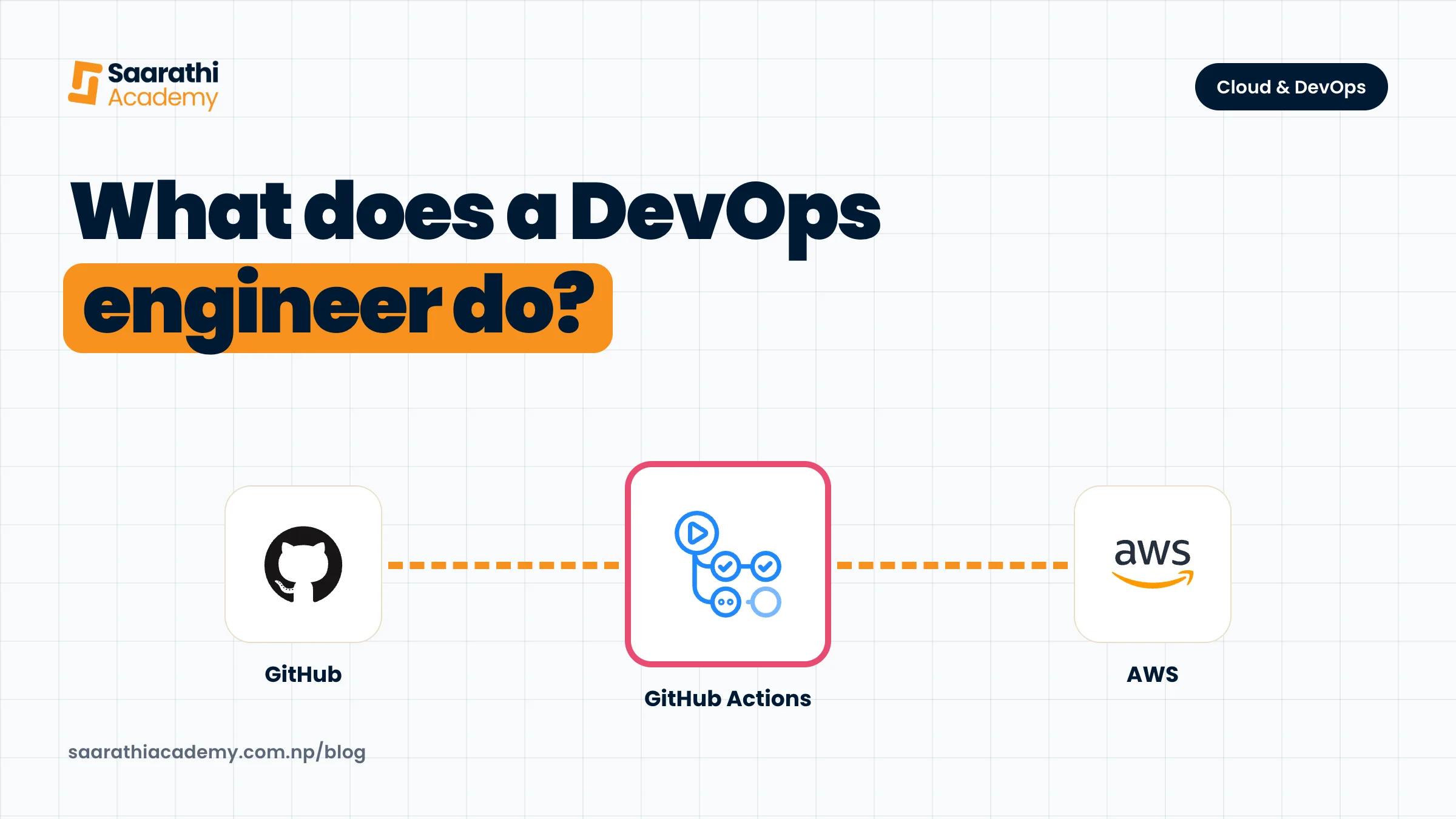
A pipeline, often called CI/CD (continuous integration and continuous delivery), is an automatic chain of steps. When a developer pushes code, the pipeline builds it, runs the tests, checks for leaked passwords or known security holes, and then releases it. When a pipeline breaks, developers are stuck, so fixing it is usually urgent.
Containers
A container packs an app with everything it needs to run, so it behaves the same on a laptop and on a server. Docker is the usual tool. When an app grows to many containers, a system such as Kubernetes runs them, restarts the ones that crash and spreads the load.
Cloud
Most apps now run on a cloud provider such as AWS, Azure or Google Cloud instead of a server in the office. DevOps engineers set up servers, storage, databases and networks there, decide who gets access, and keep an eye on the bill.
Infrastructure as code
Instead of clicking around a cloud console, DevOps engineers write their servers and networks down as code with a tool such as Terraform. The setup can then be reviewed, repeated and rebuilt from scratch.
Monitoring and incidents
Dashboards and alerts show when something is slow or down. When an alert fires, the DevOps engineer finds the cause, fixes it, and writes down what happened so it does not happen again.
The main tools
| Area | What it does | Common tools |
|---|---|---|
| Operating system | Where almost all servers run | Linux, Bash |
| Version control | Stores code and its history | Git, GitHub |
| Web server | Receives traffic and passes it to the app | Nginx |
| Containers | Package and run apps the same way everywhere | Docker, Docker Compose |
| CI/CD | Build, test and release code automatically | GitHub Actions, Jenkins |
| Cloud | Rented servers, storage and databases | AWS, Azure, Google Cloud |
| Infrastructure as code | Describe servers and networks in files | Terraform, Ansible |
| Orchestration | Run many containers and keep them healthy | Kubernetes, Helm |
| Monitoring | Graphs, logs and alerts | Prometheus, Grafana |
You do not need all of these on day one. Linux, Git and Docker come up in almost every job, so learn those first.
DevOps, cloud engineer and system administrator
These three titles overlap, and job posts in Nepal use them loosely. A system administrator traditionally looks after servers, users and networks inside a company. A cloud engineer does similar work on AWS, Azure or Google Cloud. A DevOps engineer focuses on automation: pipelines, containers and infrastructure as code, so releases happen often and safely. In small companies, one person often does all three. Read the duties in a job post, not just the title.
What makes someone good at DevOps
- Calm under pressure. When the site is down, panic makes it worse.
- Curiosity about how things fail. Good DevOps engineers read logs the way detectives read clues.
- A habit of writing things down. Clear notes and READMEs save the whole team hours.
- Care with money and access. One wrong setting in the cloud can leak data or run up a large bill.
How to start
- Get comfortable in the Linux terminal. Moving around files, users and permissions, and reading logs.
- Learn how the internet works. DNS, HTTP and HTTPS. Most outages make sense once you understand these.
- Learn Git and a little scripting. Bash or Python, enough to automate a boring task.
- Pick one cloud and learn it carefully. AWS is a common first choice. Set up a budget alarm before you build anything, so a mistake does not turn into a bill. If you want a certificate along the way, read which AWS certification to take first.
- Put a small app in Docker and deploy it to a cloud server behind Nginx.
- Add a pipeline with GitHub Actions that tests and deploys it on every push.
- Then learn Terraform, Kubernetes and monitoring, one at a time.
Write each step up in a GitHub repo with a clear README. A hiring team learns more from one project they can rebuild than from a list of tool names on a CV. Be patient as well. Many people reach DevOps after first working in support, system administration or development.
How our course fits
Our Cloud Computing & DevOps course runs for 10 weeks and needs no Linux or cloud experience. Weeks 1 to 4 cover Linux, scripting, Git, networking, Nginx and AWS foundations. Weeks 5 to 7 cover Docker, CI/CD with GitHub Actions, and Terraform with Ansible. Weeks 8 and 9 cover Kubernetes, Helm, Argo CD, monitoring with Prometheus and Grafana, and incident response. Week 10 is your capstone, rebuilt from one README and presented live.