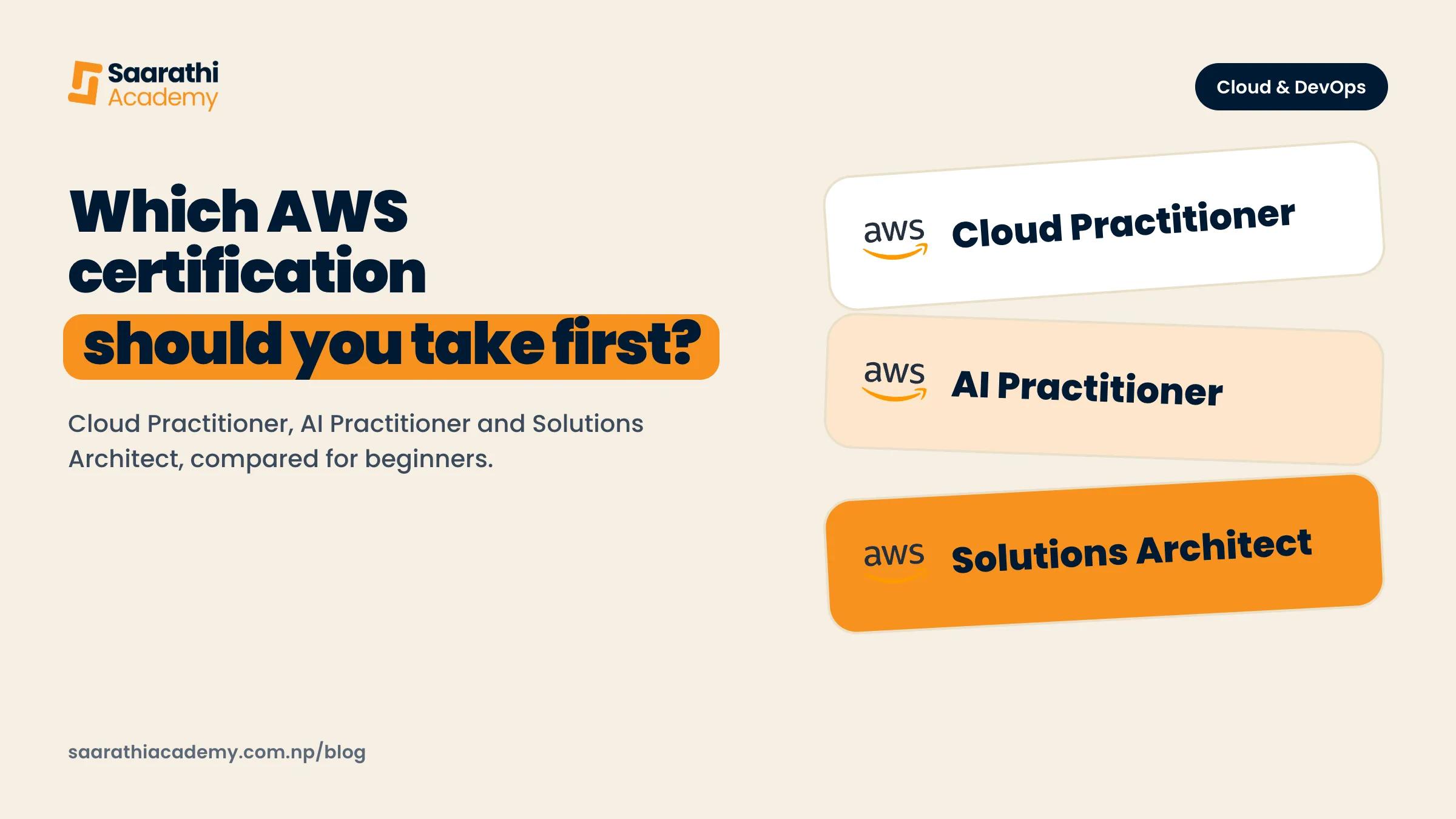
For most beginners in Nepal, take the AWS Certified Cloud Practitioner first. It needs no IT background, costs 100 USD, and covers the basic ideas every later AWS exam assumes you already know. If your work is about AI rather than servers, the AWS Certified AI Practitioner is the other sensible first step. Leave the Solutions Architect Associate for your second exam, since AWS itself expects about a year of hands-on design work before it. Whichever you pick, give it six to ten weeks of steady study and build something real on AWS along the way. That is what employers will ask you about.
We checked every exam detail here on AWS's own pages in October 2026. AWS changes them often, so open the linked page again before you pay anything.
What AWS certifications are and how the levels work
AWS (Amazon Web Services) is Amazon's cloud platform. Companies rent servers, storage and databases from it instead of buying their own machines. An AWS certification is an exam, run by AWS, that checks whether you understand one part of that platform. Pass and you get a digital badge and a certificate, valid for three years, after which you recertify (AWS Certification FAQs).
The official AWS certification page sorts the exams into levels:
- Foundational: Cloud Practitioner and AI Practitioner. Made for people new to cloud or AI, with no experience required.
- Associate: Solutions Architect, Developer, CloudOps Engineer, Data Engineer and Machine Learning Engineer. You are expected to have used AWS for real work.
- Professional: Solutions Architect, DevOps Engineer and Generative AI Developer, aimed at people with two or more years of experience.
- Specialty: Security, plus Advanced Networking, which AWS lists as retiring on 31 December 2026.
There is also a newer business-level exam, AI Business Strategist, meant for managers rather than engineers. No exam has a formal prerequisite. You could book a Professional exam on day one if you wanted, but each level builds on what the one below it tests.
The price climbs with the level. The AWS Certification FAQs list Foundational exams at 100 USD, Associate at 150 USD, and Professional and Specialty at 300 USD. Every attempt costs the full fee again.
Cloud Practitioner, AI Practitioner or Solutions Architect: which suits you
Beginners ask about these three more than any others, and they are meant for quite different people.
AWS Certified Cloud Practitioner
AWS says this one is for people new to the cloud, including people with no IT background (exam page). You need to be able to explain what the cloud is, what the main AWS services do, how security is split between AWS and the customer, and how AWS billing works. Coding, designing architecture and troubleshooting are out of scope, according to the exam guide.
Start here if you are a BIT, BCA or BSc CSIT student who has never opened AWS. Same if you are a fresh graduate heading towards cloud or DevOps work, or in support or sales at an IT company that sells AWS work. And if you just want a structured first look at cloud before going deeper, this is the one.
AWS Certified AI Practitioner
This exam covers AI, machine learning and generative AI ideas, plus the AWS services built around them, such as Amazon Bedrock and Amazon SageMaker AI (exam guide). AWS pictures the candidate as someone who uses AI tools but does not necessarily build them, so writing models, tuning them and building pipelines are all out of scope.
Product people, analysts, business students and developers who want to show they understand how companies use AI on AWS get the most from it. If you want a cloud or DevOps job, it is a weaker first pick: it says little about servers, networks or deployments. AWS also suggests that people new to both IT and AWS do a cloud basics course before it.
AWS Certified Solutions Architect Associate
This one is about design. Can you build systems on AWS that are secure, keep running when something fails, perform well and do not waste money (exam guide)? The guide expects at least one year of hands-on experience designing cloud solutions with AWS, and the exam page tells people with no IT experience to start with Cloud Practitioner.
Go straight to it only if you already work in IT, say as a system administrator or developer, and have deployed real things. Otherwise make it your second exam, after a few projects.
A quick way to decide
- No IT background, or still a student: Cloud Practitioner.
- You work with AI products and don't build infrastructure: AI Practitioner.
- A year or more in IT, with apps you deployed yourself: Solutions Architect Associate.
- Aiming at DevOps? Cloud Practitioner first, then an Associate exam once you have built projects. The DevOps Engineer Professional comes much later.
Exam format, length, passing score and fee
These figures come from each exam page and its official exam guide.
| Exam | Code | Questions | Time | Passing score | Fee |
|---|---|---|---|---|---|
| Cloud Practitioner | CLF-C02 | 65 | 90 minutes | 700 out of 1,000 | 100 USD |
| AI Practitioner | AIF-C01 | 65 | 90 minutes | 700 out of 1,000 | 100 USD |
| Solutions Architect Associate | SAA-C03 | 65 | 130 minutes | 720 out of 1,000 | 150 USD |
The exam guides add a few rules that matter on the day:
- Only 50 of the 65 questions count. The other 15 are unscored trial questions, and you can't tell which ones they are.
- Most questions are multiple choice (one right answer out of four) or multiple response (two or more right answers out of five or more). AI Practitioner can also throw in ordering and matching questions.
- A blank counts as wrong and a wrong guess costs nothing extra, so answer every question, even when you are guessing.
- Scores are scaled from 100 to 1,000, and you only have to pass the exam overall, not each section.
In Cloud Practitioner, the biggest section is Cloud Technology and Services at 34% of the scored questions, with Security and Compliance next at 30% (exam guide). Split your study time in roughly the same way.
How to book and sit an AWS exam from Nepal
AWS exams go only through Pearson VUE, a testing company. The steps, from the AWS exam policies page:
- Create an AWS Certification account at aws.training/Certification, using an AWS Builder ID. This is separate from a normal AWS account.
- Choose Schedule New Exam, pick your exam, then choose to schedule with Pearson VUE.
- On Pearson VUE's site, choose online or a test centre, pick a date and time, and pay.
You pay by card (Visa, Mastercard, American Express or JCB) or with a voucher. In Nepal that usually means a dollar card, or a card your bank has opened for international payments. Get that sorted before you pick a date.
There are two ways to sit the exam:
- Online proctored: you take it at home on your own computer while a Pearson VUE proctor (an exam supervisor) watches through your webcam. AWS offers every exam this way, with English proctoring around the clock. You need a quiet private room and a steady internet connection. The room and computer rules are in Pearson VUE's instructions and your confirmation email, so read them well before exam day. AWS also links to an exam demo on Pearson VUE's AWS page if you want to see the exam screen first.
- At a test centre, on the centre's computer. The booking screen shows which centres are available near you. Trust that list over an address from a blog or a Facebook post, because centres change.
Bring valid government ID. If your ID was not issued by the country you are testing in, AWS wants your passport as the main ID plus a second one. You can reschedule up to 24 hours before the exam, at most twice. Cancel inside 24 hours, or miss the exam, and the fee is gone. Fail, and you wait 14 days before trying again (AWS Certification FAQs).
A realistic study plan using free material
You don't need to buy a course to pass a foundational exam. AWS gives away a lot of good material on AWS Skill Builder, its own learning site.
What is free and what is paid
The AWS certification prep page lists these as free on Skill Builder:
- The Official Practice Question Set for each exam: 20 questions written by AWS in the real exam style.
- A free Exam Prep course per exam, about two hours long, that goes through each topic area with sample questions.
- AWS Cloud Quest, a role-playing game for cloud basics.
The full Official Practice Exam, hands-on labs and extra practice questions sit behind a Skill Builder subscription, which AWS lists from 29 USD a month. The free AWS Cloud Practitioner Essentials course is on Skill Builder too, and AWS recommends it if you are new to cloud (AWS Cloud Practitioner training).
Practise on a real AWS account, carefully
Reading about a service won't stick until you have used it, so open your own AWS account and try things as you go. The free tier changed in July 2025. Accounts created on or after 15 July 2025 get 100 USD in credits on sign-up and can earn up to 100 USD more by trying certain services (AWS announcement). At sign-up you pick a free plan or a paid plan. The free plan lasts six months or until the credits run out, whichever comes first, and limits which services you can use. AWS says you are not charged on it unless you upgrade to the paid plan (AWS Free Tier).
At the end of every practice session, turn off or delete whatever you created. And keep your access keys out of GitHub, chats and screenshots.
Eight weeks for Cloud Practitioner
The plan assumes about an hour a day on weekdays and a longer session at the weekend. If you already use Linux and Git, you may finish sooner.
- Week 1: read the exam guide end to end and start Cloud Practitioner Essentials. Create your AWS account, and set a budget alert before you do anything else in it.
- Week 2: cloud concepts. What the cloud is, regions and availability zones (separate data centre groups), and the shared responsibility model.
- Week 3: compute and storage. Launch an EC2 server, connect to it, then stop it. Upload files to S3 and control who can open them.
- Week 4: networking and databases. Learn what a VPC (your private network inside AWS) is, and what RDS and DynamoDB are for.
- Week 5: security. Create IAM users and roles, turn on multi-factor sign-in, and find out which services handle encryption and monitoring.
- Week 6: billing and support, meaning pricing models, cost tools and the support plans. It is the smallest section, so don't over-study it.
- Week 7: do the free Official Practice Question Set and the free Exam Prep course. Note every topic you got wrong and go back to it.
- Week 8: revise the weak topics, rest the day before, and sit the exam.
Solutions Architect Associate takes roughly double the time and far more hands-on work. By exam day you should be able to build a small system from memory: a server behind a load balancer, a database in a private subnet, and access controlled with IAM.
What a certification proves to an employer, and what it does not
A certification proves you studied a set syllabus and passed a timed exam. That counts for something. It shows you finish what you start, and you come out using the same words cloud teams use every day.
It does not show you can do the job, and Cloud Practitioner admits as much, since coding, design and troubleshooting sit outside the exam. In an interview for a junior cloud or DevOps role, expect to be asked about something you built: how you deployed it, what broke, and how you found the problem.
So study and build at the same time. While you prepare, put a small app on EC2 behind Nginx, automate its deployment, and write up what you did in a GitHub README. Not sure how to start a project without copying a tutorial line by line? Our guide on building real projects without YouTube tutorials covers that.
Common mistakes beginners make
- Starting with Solutions Architect Associate with no IT experience, then failing, or passing on memorised answers you don't understand.
- Learning from leaked "dumps" of exam questions. They break AWS's rules, they are often wrong, and nothing in them helps you in an interview.
- Reading for weeks and never opening the AWS console.
- Leaving servers and databases running after practice. You either get a surprise bill or burn through the free credits in a week.
- Booking an online exam on a shared laptop or a weak connection without reading Pearson VUE's rules first.
- Collecting certificates instead of building things. Two certificates and no projects won't get you far in an interview.
How our Cloud and DevOps course fits
Our Cloud Computing and DevOps course is not an exam cram class. It runs for 10 weeks, Monday to Friday, with two hours of live class a day (about 100 hours in total) and around two hours of self-study a day on top. Week 4 is AWS Cloud Foundations: you work with IAM, EC2, S3, VPC and RDS on the free plan credits a new AWS account gets. The weeks around it cover Linux, Git, Nginx, Docker, CI/CD with GitHub Actions, Terraform, Ansible, Kubernetes, and monitoring with Prometheus and Grafana.
The course page mentions the Cloud Practitioner exam and says its fee is paid separately to AWS. It does not promise exam preparation, so use the free AWS material for that. What the course does give you is the project side a certificate can't prove: a capstone such as a monitored deployment stack or a CI/CD pipeline that can roll back. Classes are in Old Baneshwor, with at most 10 students in the room and up to 5 online seats. You need strong computer skills and a laptop, but no previous cloud job. Every student gets a one-to-one mock interview and CV and LinkedIn reviews. We do not guarantee jobs.
The route we would suggest is to finish the course, then sit Cloud Practitioner with the free material above while your projects are still fresh. The week-by-week syllabus is on the course page. If you are still deciding on the field, read why cloud and DevOps is worth learning in Nepal, and the other options are on our courses page.