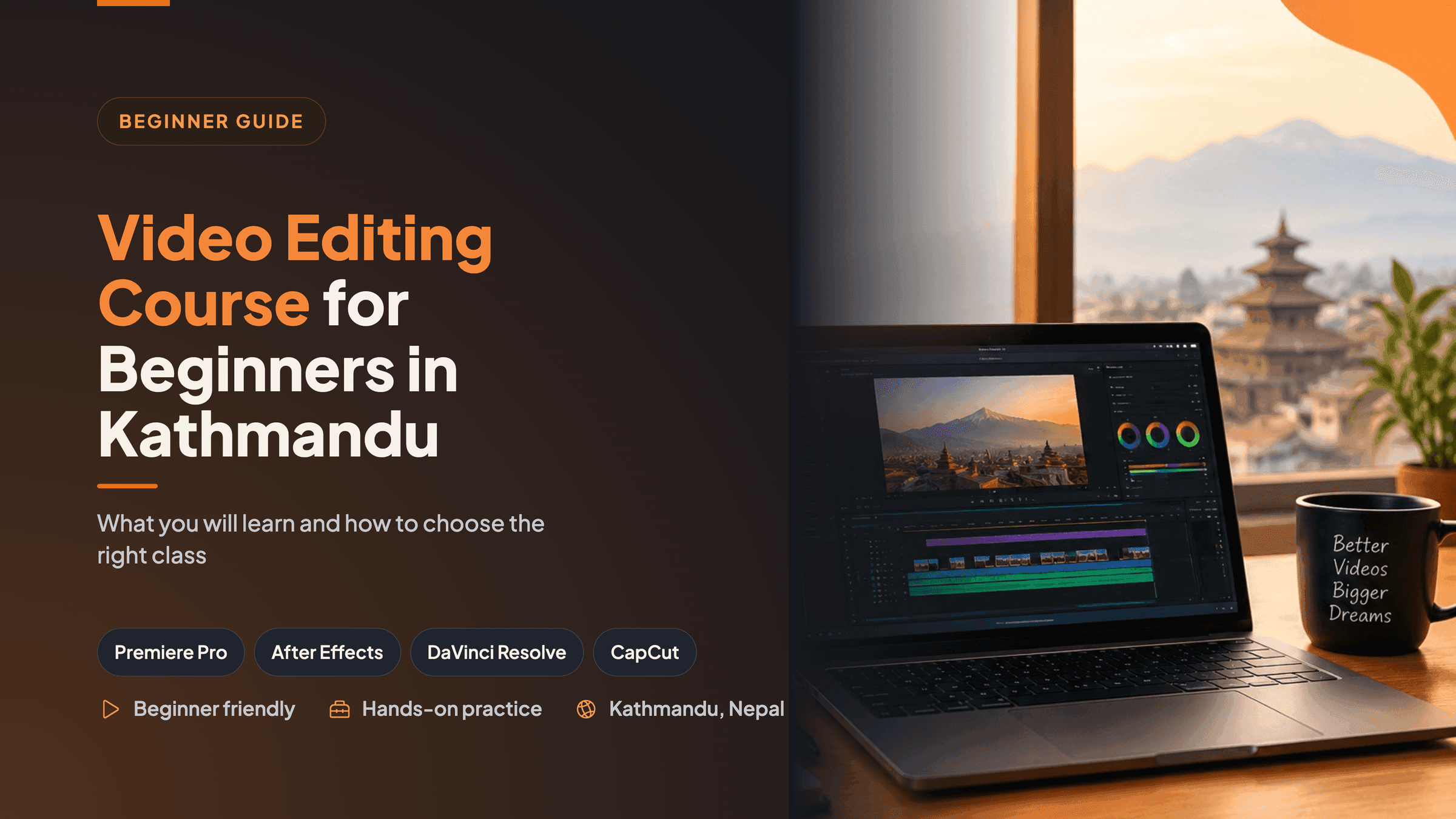
You have a phone full of clips. Maybe it is footage from a shoot for a friend, a small business, or your YouTube channel. You open up editing software, view the timeline, and close the software.
This is the attitude of most of the beginners. Track, keyframe, color wheels, and export settings might sound like the language that everyone else already speaks.
Actually, it's much easier to deal with the truth. Learning how to edit a video is an ongoing process, and almost every pro video editor has had their own set of confusions along the way.
In this guide, we break down the essentials of a video editing class for beginners in Kathmandu, the best software to start with, and tips to help you choose a class that gives you a skill worth using.
Can a Complete Beginner Learn Video Editing?
Yes. No prior media degree or experience with software is required. If you can manage files and folders, you have enough computer skills to start.
So it's up to practice. With editing, as with cooking, it is a hands-on skill. A hundred tutorials will not help as much as shooting your own video, making mistakes, and fixing them.
A good first course builds that practice step by step, so you are not guessing what to do next.
What a Good Beginner Course Should Cover
Learning a tool and learning to edit are two different things. The tool shows you where the buttons are. Editing teaches you what to cut, where to cut it, and how long each shot should stay.
Here is what a solid course should include.
Editing fundamentals and storytelling
Every edit follows the same process: import, organize, select, cut, and arrange. Beginners often add too many transitions. Experienced editors first decide what the story is, then cut everything that does not serve it.
This is where you learn timeline control, trimming, pacing, B-roll, and how to keep viewers watching. Even a technically clean video can feel slow if the pacing is off.
Colour correction and grading
These two are not the same. Correction corrects issues like a "too dark" clip or off-skin tone. The creative part that imparts mood or style to the video is grading.
Even a simple job comes across as more professional when the color is consistent from shot to shot.
Sound design
Average/good picture vs. average/bad sound is more easily forgiven. A course for beginners needs to familiarize the student with dialogue cleanup, music timing, mixing of volume, and basic mixing.
With DaVinci, there's even a separate audio workspace called Fairlight, so you can practice this without the need for additional software.
Titles and motion graphics
A good portion of most client briefs now include animated titles, lower thirds, and captions. These can be created in keyframes and easing using tools such as After Effects. You don't have to be an animator, but it helps if you can do a little bit of animation since it is incredibly useful to agencies and creators.
Export and delivery
Many newbies neglect this and subsequently puzzle over their videos appearing fuzzy on Instagram or slow loading on YouTube. A decent course should educate you on how to export to various platforms, as well as how to present to a client.
Which Software Should You Learn First?
There is no single right answer, but there is a sensible order.
Software | Best for | Where it fits for beginners |
Editing, color, sound, and export in one app | A strong main tool, with a free version available | |
Motion graphics and animated titles | A second step: once editing basics feels comfortable | |
Quick short-form and vertical videos | Useful for Reels, Shorts, and TikTok | |
General professional editing | Common in agencies, and the skills transfer easily |
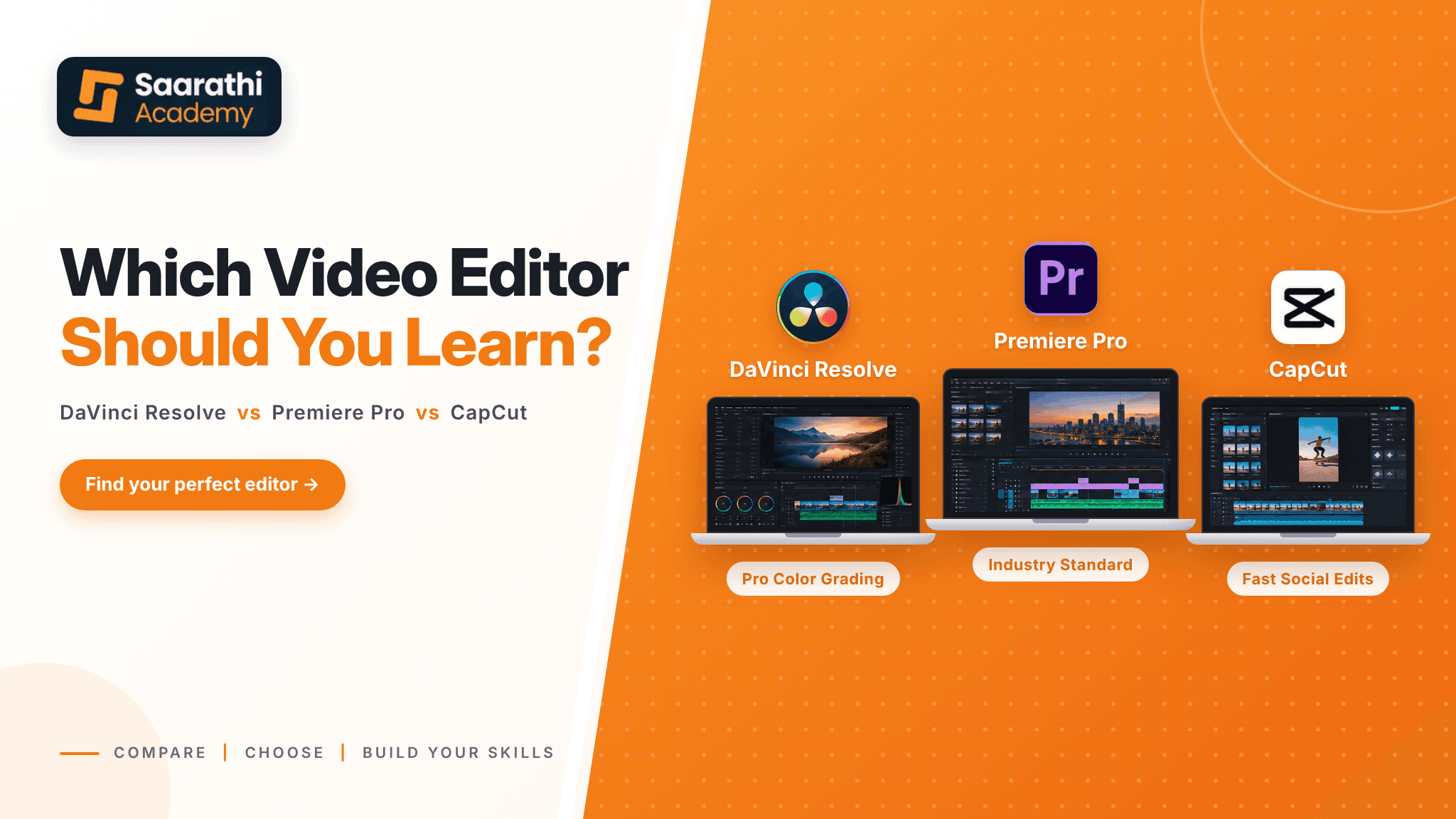
The key is to not go for all the programs. Switching between tools is much easier once you have an understanding of cuts, pacing, and sound. The principle remains unchanged; the only change is the type of buttons. Want a closer comparison before you decide? See our guide on DaVinci Resolve vs Premiere Pro vs CapCut in Nepal.
What a Realistic Week Looks Like
Many beginners do not realize how much time this takes. Becoming an editor is not strictly speaking a class matter. Practice at home will be necessary on a regular basis.
Let's take one actual instance. The beginner class is held at Saarathi Academy for 5 weeks, 2 hours a day, 5 days a week. Practice is also required for the learners at home on the class days for at least 2 hours. This equates to 50 hours (plus self-study) of guided training.
The structure is worth noticing because it follows a sensible order:
Weeks 1 and 2: editing foundations in DaVinci Resolve
Weeks 3 and 4: color and sound
Week 5: motion graphics, titles, delivery, and career preparation
You gain a solid understanding of building the base, polishing and finishing, and presentation skills. No matter which course you select, find one with a similar course listing rather than one that just lists topics.
Do You Need an Expensive Laptop?
Not at the beginning, but your computer must not be burdened while running the software.
Video editing performance depends on processor speed, RAM, graphics performance, and storage. For Files, a fast SSD is helpful. While 16 GB is a general guideline for DaVinci Resolve, it's best to consult the latest DaVinci Resolve system requirements for optimal performance before purchasing or upgrading to ensure your system's capabilities.
Laptop workflow issues with high-resolution footage can be resolved with a proxy workflow. This is accomplished by editing with lighter versions of your clips, then switching to the originals for export. Your instructor will work with you to teach you how to use this.
Projects and Portfolio Matter More Than Certificates
A certificate shows you attended. A portfolio shows what you can actually do.
When you compare classes, ask what you will finish with. Useful beginner projects usually include:
A short vertical video for Reels or Shorts, with captions and music
A longer YouTube-style edit with B-roll and cleaned audio
A short promotional video with titles and branding
A demo reel that brings your best work together
Employers and clients rarely ask for your marks. They ask to see your work. If you can send a clean, well-paced two-minute reel, you are already ahead of many applicants.
In-Person or Online?
Both can work, depending on how you learn.
Face-to-face classes are for those who prefer to be able to ask questions immediately, learn with a group, and enjoy a structure. Online classes suit learners outside Kathmandu or those who need a flexible schedule.
Regardless, have someone check your final edits. Most of the learning will take place through feedback on your pacing, sound, and color.
How to Choose the Right Course
A strong video editing course for beginners in Kathmandu should pass most of these checks:
It starts from the basics and does not assume prior knowledge.
The syllabus is clear, and you can read it before enrolling.
You edit real projects, not just follow along with the instructor.
A mentor reviews your work regularly.
Color and sound are taught properly, not squeezed into one session.
The batch is small enough for you to get personal attention.
You leave with portfolio work and some career guidance.
Be cautious about courses that advertise a long list of software but give little time to practice. Depth in a few tools beats surface knowledge of many.
To compare more options across the city, read our complete guide to the best video editing course in Kathmandu.
What Beginners Can Expect at Saarathi Academy
Saarathi Academy offers a video editing course in Nepal built for beginners and run from its Old Baneshwor classroom. A live online option is available for learners outside Kathmandu.
Here is what the course includes, based on the current course page:
DaVinci Resolve as the core tool, with introductions to After Effects, CapCut, and Premiere Pro
A full focus on color grading and Fairlight sound design
Batches capped at 10 students
Weekly mentor review of your work
A Sunday open classroom for enrolled students to practice
A capstone project, a CV and LinkedIn review, and a one-to-one mock interview
This course is for absolute beginners, content makers, freelancers, anyone in marketing who has to create videos, and students interested in creative careers. Graduates often go on to junior video editor roles or freelance work, but results depend on effort and consistent practice.
Course fees, course dates, and offers are subject to change without notice. Please visit the course page for the latest information before making your selection.
Final Thoughts
Editing video is intimidating mostly because you aren't seeing the path to the finished product. When you make it into steps,, it's not so hard: cuts, pacing, sound, colour, titles, and delivery!
The most ideal video editing course for novice students in Kathmandu is to take one that you practice as much as possible, where you openly accept constructive criticism and end up with footage that you are pleased with to display to others. Do spend time looking at the options and carefully read each syllabus – ask questions about the size of the batch and how much help from a mentor is provided.
If you would like to see how a structured five-week path looks, you can review the syllabus and course details on the Saarathi Academy video editing course page. If you still have questions, you can also book a free call and speak with the team before you decide.