
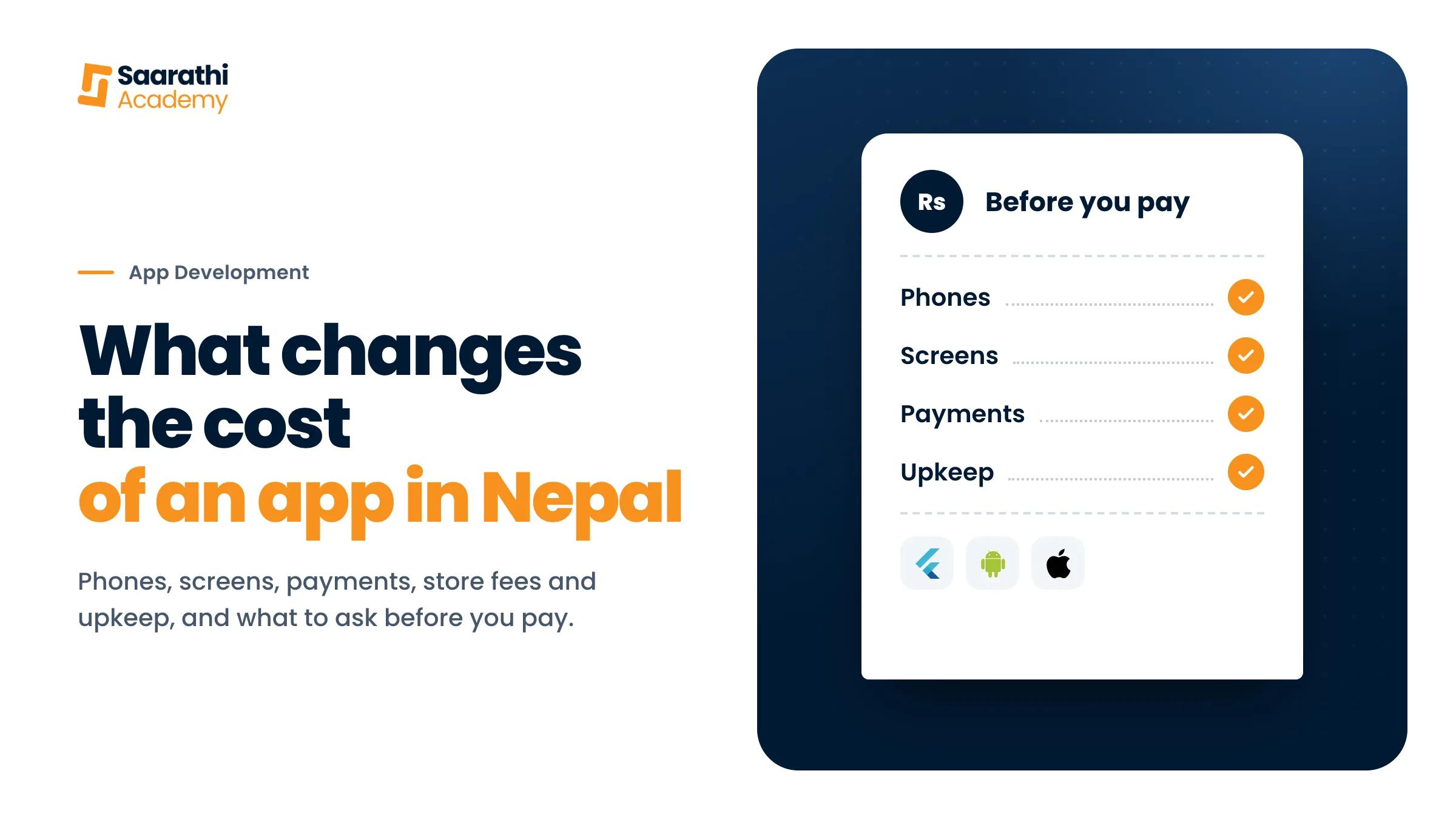
Two quotes for the same app idea in Kathmandu can be several times apart. Usually they are not pricing the same app. One is a simple Android app that shows your menu. Another runs on Android and iPhone, takes payments and comes with a screen where your staff manage orders. This guide lists what changes the price, so you can compare quotes properly.
We build apps for businesses too, and we don't publish a price list, because no two apps do the same job. What we can show you is what goes into the number.
1. Whether you need an app at all
Often a website does the job for less, and nobody has to install anything. An app makes sense when customers come back to it again and again, need reminders on their phone, or need the phone's camera or location. Settle this first, because it changes the quote more than anything else on this list.
2. Android, iPhone or both
Most phones in Nepal run Android, so many businesses start there. Building for both costs more. Tools like Flutter let one set of code run on both, which keeps the gap smaller than building two separate apps. Ask which phones each quote covers.
3. How many screens, and what each one does
Every screen is designed, built and tested. A screen that only shows information is quicker to make than one where people fill in forms, search or pay. Write down what your customers need to do in the app, step by step, before you ask for quotes.
4. Accounts, payments and notifications
Logins, saved details, eSewa or Khalti payments, order updates and reminders on the phone each add work. Payments need the most care. The app has to handle a payment that fails halfway or gets refunded, and each payment service needs a merchant account in your business's name.
5. The system behind the app
Most apps need a server that stores accounts and orders, and a screen where your staff see and manage them. This part is easy to miss when comparing quotes, and it can be as much work as the app itself. Ask whether it is included.
6. Play Store and App Store
Google charges a one-time fee of US$25 to publish on the Play Store. Apple charges US$99 a year for its developer programme, and a company signing up needs a D-U-N-S number, a free business ID. Both review every app before it goes live, and how long that takes is up to them. The store accounts should be in your business's name, not the developer's.
7. Upkeep after launch
Google and Apple raise their rules for apps every year. An app nobody updates can stop working well on new phones, or stop showing in the store for people who have them. The server behind the app is a monthly or yearly cost as well. Ask what upkeep costs and what it covers.
What to ask before you pay
- Is the price fixed and written down, with the list of screens and features?
- Which phones will it run on?
- Are the system behind the app and the staff screen included?
- Whose name are the store accounts in, and who owns the code?
- What does upkeep cost after launch?
- Can I install an app you built and try it on my phone?
How we price an app
We start with a short call about what your customers need to do on their phone. If a website covers it, we say so before you pay for an app. Otherwise you get the screens, the phones it runs on, the price and the timeline in writing. While we build, you install test versions on your phone and tap through them. Once it is paid for, the code, the store accounts and the docs are yours. See how we build mobile apps.
If a website might be enough, read what changes the cost of a website in Nepal.